Controls, wired right
WiFi Thermostats
Remote control and schedules for your system, installed and tested by the techs who service the equipment it runs.
Chapter 01
The small box that tells the whole system what to do
A thermostat does not heat or cool anything. It reads the temperature, compares it to what you asked for, and sends a low-voltage signal to the equipment. If that signal is wrong, the best furnace or heat pump in the world will cycle badly, short-run or never reach the setting you chose.
A WiFi thermostat adds a lot on top of that. You can check and change the setting from your phone, build a schedule around work and sleep, and see when the system is running. If you travel, you can turn the house down from the airport and back up before you land. If you have a rental or a second home, that remote view matters even more.
The catch is that a smart thermostat is only as good as the install behind it. Wrong wiring, a missing common wire, or the wrong setting for your equipment type causes most of the trouble people blame on the device.
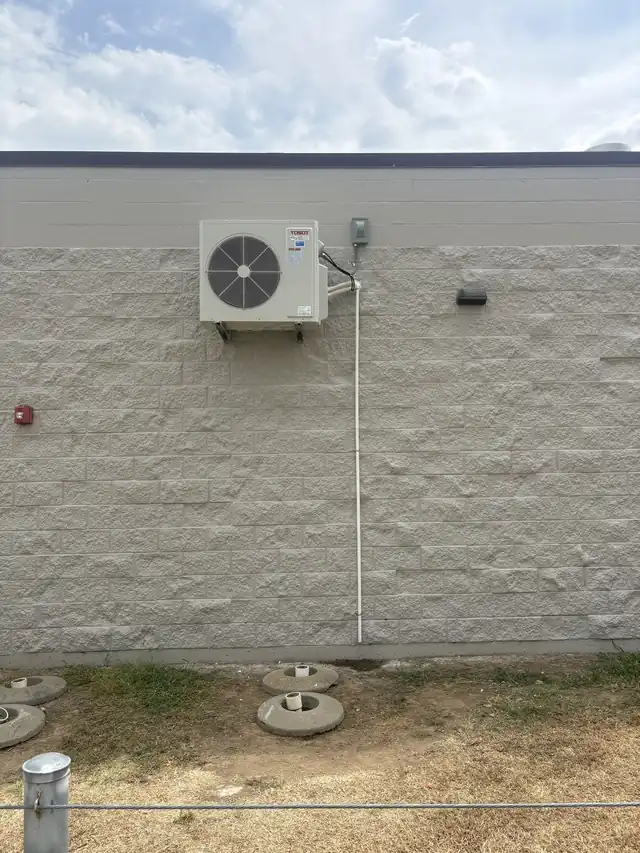
Mini-split outdoor unit mounted high on a block wall under open sky
How we install and set one up
We start by identifying what the thermostat is controlling: a gas furnace with a single-stage or two-stage burner, a heat pump with a reversing valve and auxiliary heat, or a mixed system. That decides which terminals get wired and how the thermostat gets configured. Heat pumps in particular need the reversing valve set correctly, and a mistake there runs the system backwards.
Next is the wiring. Many WiFi models need a constant 24-volt common wire to stay powered, and older houses do not always have one at the wall. We check what is there, run a new conductor or use the manufacturer-approved method when it is needed, and test the transformer so the thermostat is not starved.
Then we connect it to your WiFi, set up the app with you, and put in a schedule that matches how you live. Before we leave we run the system through each mode, heating, cooling and fan, and confirm the thermostat is actually telling the equipment what you asked for.
Chapter 03
Support after the install
A thermostat can lose its WiFi connection, get a bad update, or be set up in a way that fights the equipment. That is why we answer questions after the install instead of leaving you with a manual.
The Trinity System Care checklist begins with Thermostat and Controls, so a member visit covers the thermostat and controls before it moves on to the rest of the system. Trinity Guardian Care and Trinity Priority Plus members get that visit twice a year, with front-of-line scheduling when something goes wrong.
If the house will not hold temperature or the screen goes dark, call (479) 325-1075. We work around the clock in Springdale and across Northwest Arkansas, and a nights-and-weekends call is part of what we do.
Trinity Air Conditioning and Refrigeration · AR HVACR #0003128 · Call (479) 325-1075, open 24/7.
Keep the controls checked
A membership that starts with the thermostat
Both Trinity plans include two annual System Care visits and two annual HVAC service visits, with the service visit charge waived.
- Trinity Guardian Care, $29.99 a month: $500 signup credit toward a new HVAC system, 15% off repairs, member visit rate of $30
- Trinity Priority Plus, $14.99 a month: $250 signup credit toward a new HVAC system, 10% off repairs, member visit rate of $55
- Front-of-line priority scheduling on both plans
- A Thermostat and Controls check on every System Care visit
Full terms are on the memberships page. Thinking about automation across the whole house? See residential automation. Ready to schedule? Call (479) 325-1075 or reach us on the contact page.